

Finance
Every project, with clear accounts.
Budgets, expenses and income allocated to each project, invoices that fill themselves in and the batch payment for the bank, without going through spreadsheets.
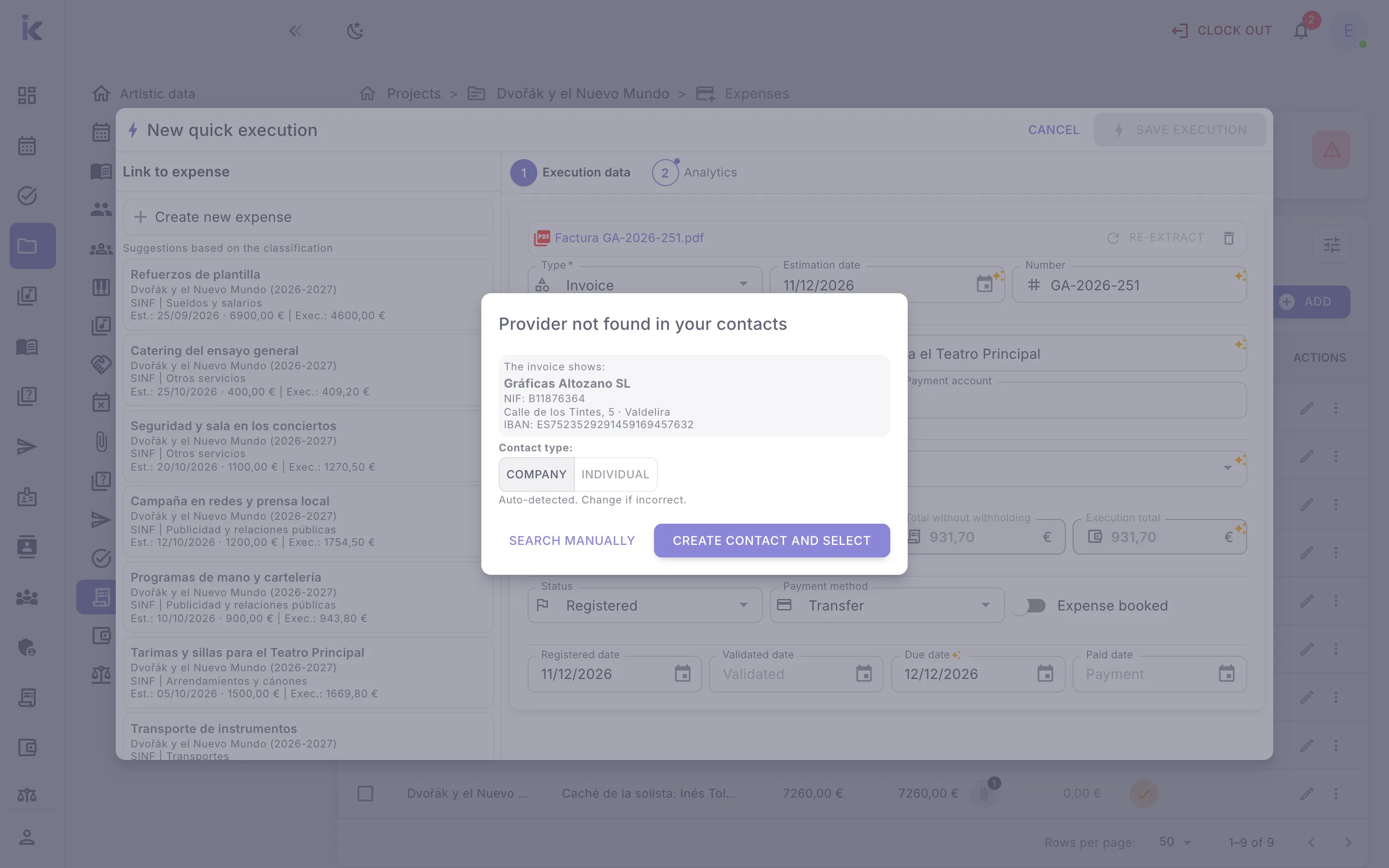
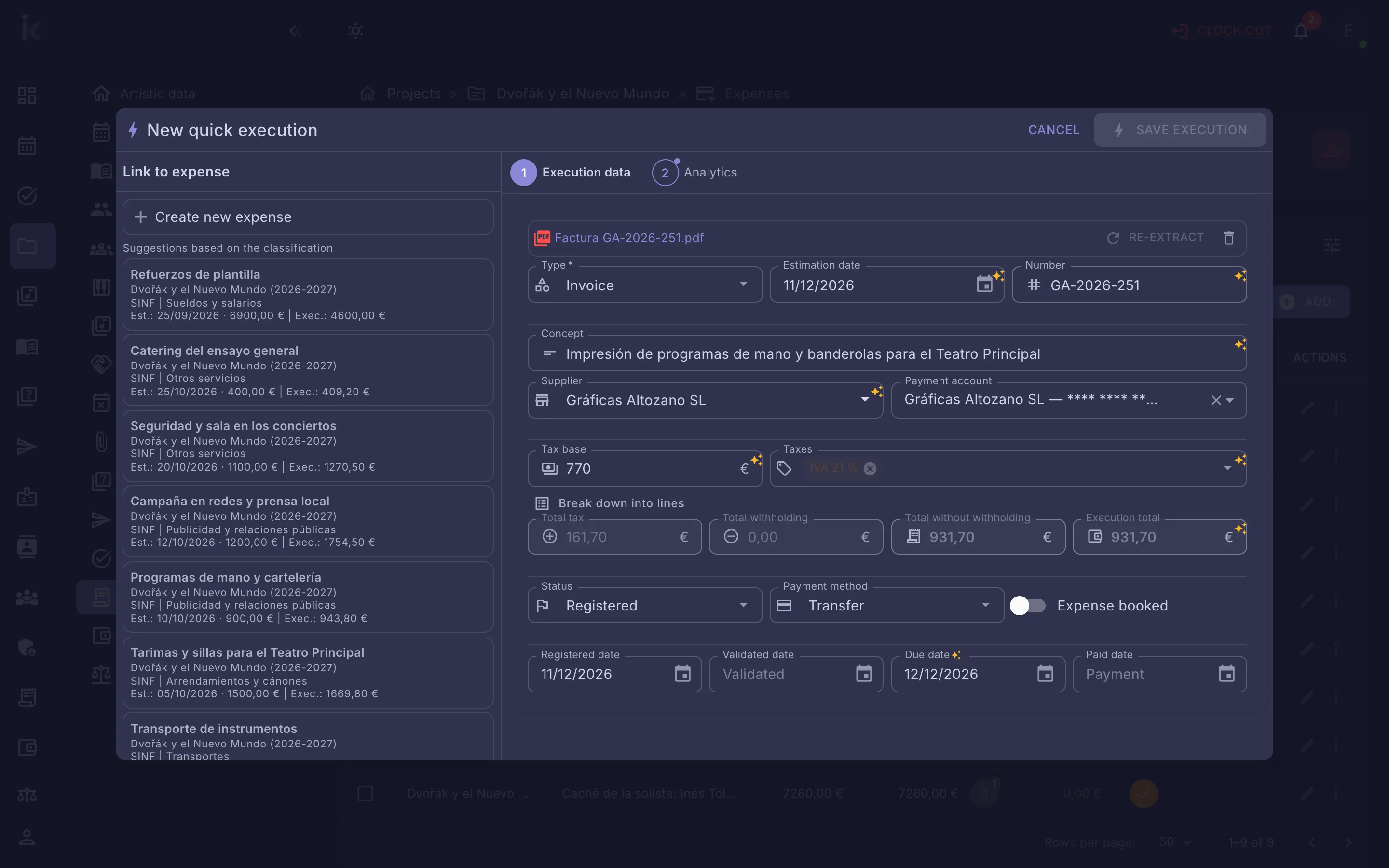
Drag in the invoice and it fills itself in
Weikos reads the invoice as a PDF or image and fills in supplier, number, dates, amounts, taxes, line items and IBAN. And it warns you if it looks like a duplicate.
- Corrective invoices and credit notes
- Ask a colleague to record, approve or pay
- Documents and notes on every expense
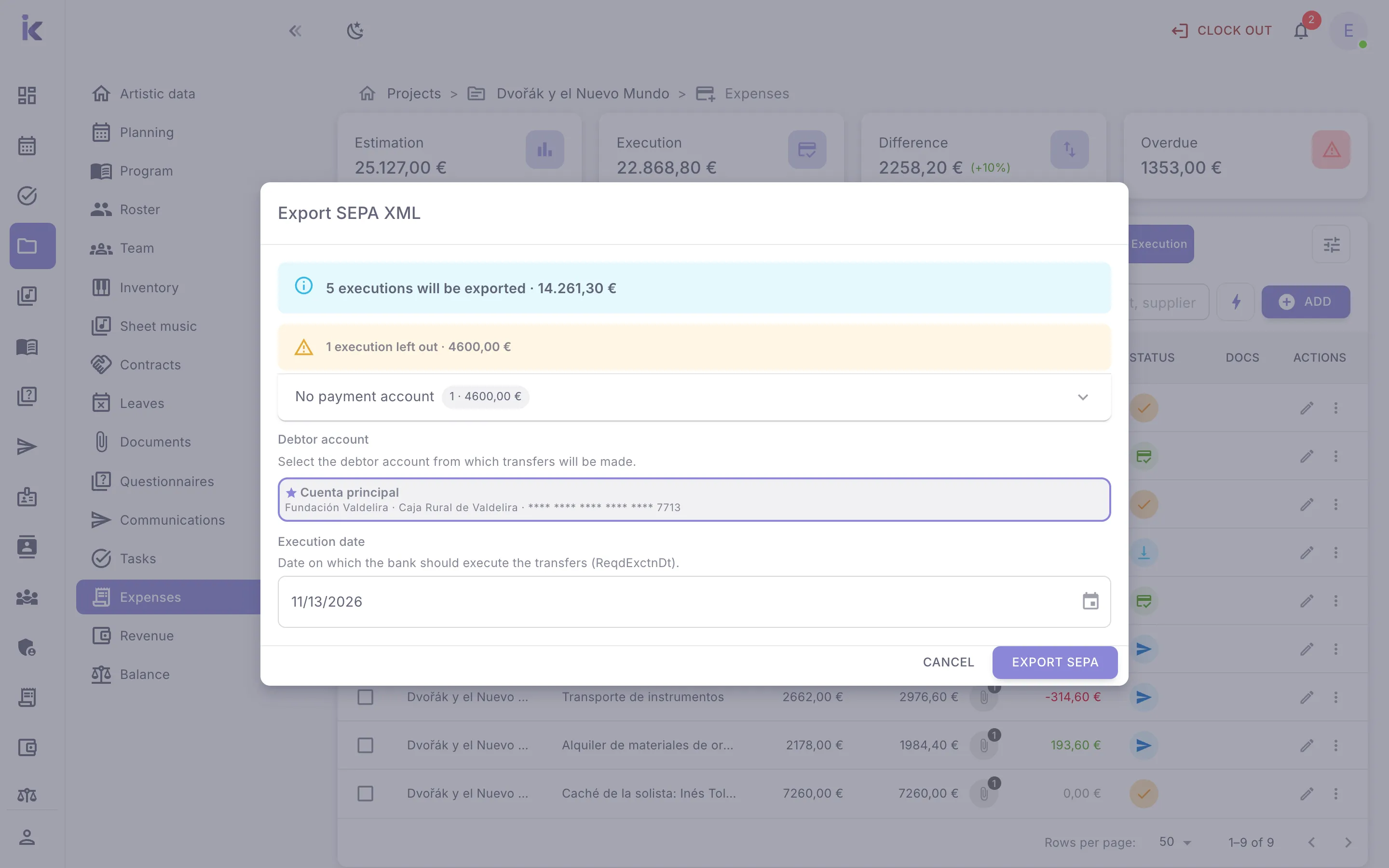
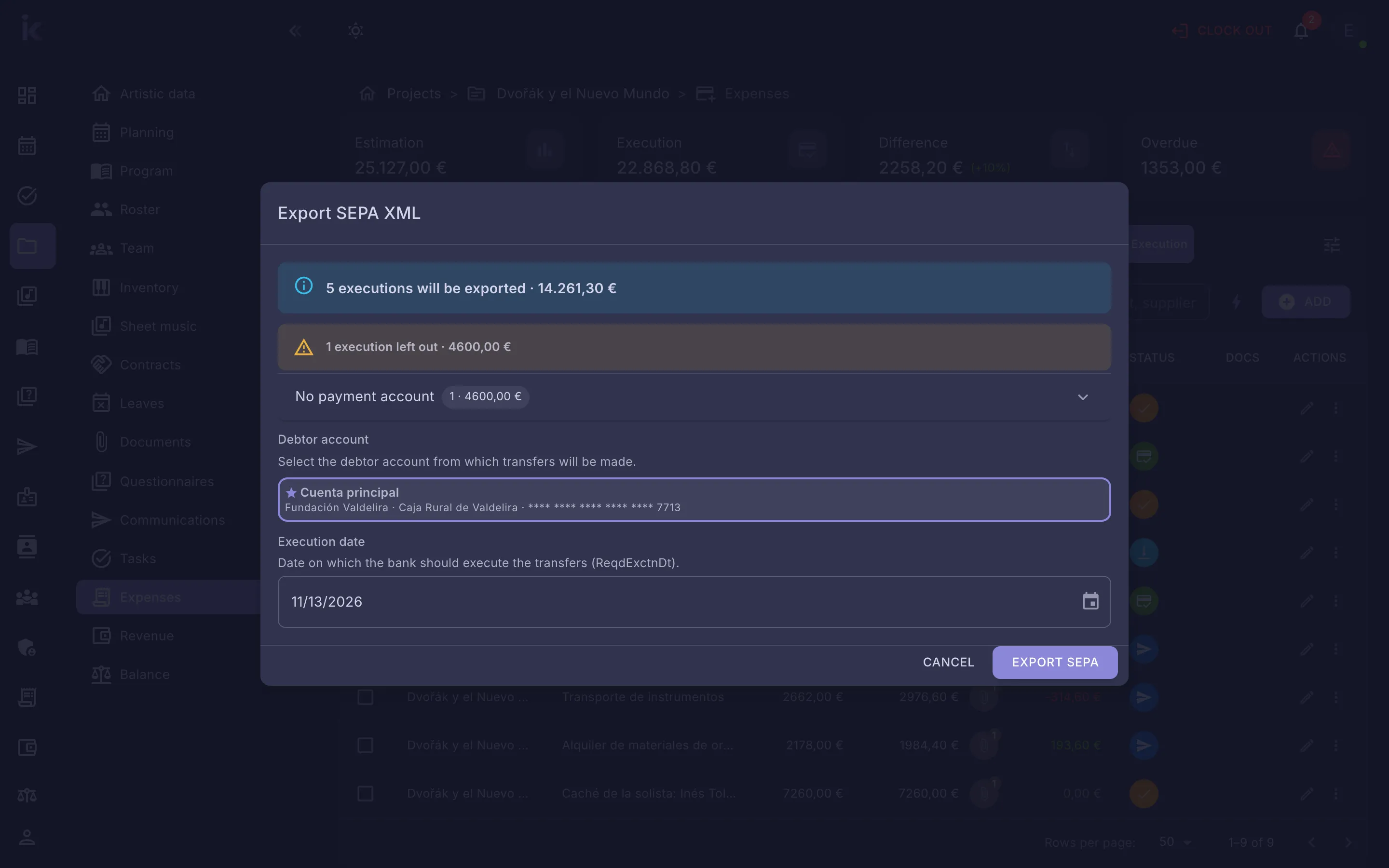
The batch payment for the bank, ready to go
Invoices pending payment, in Excel or SEPA XML, with a preview of what goes in and what is left out.
- The organisation’s bank accounts
- Ledger accounts, budget lines and analytical levels
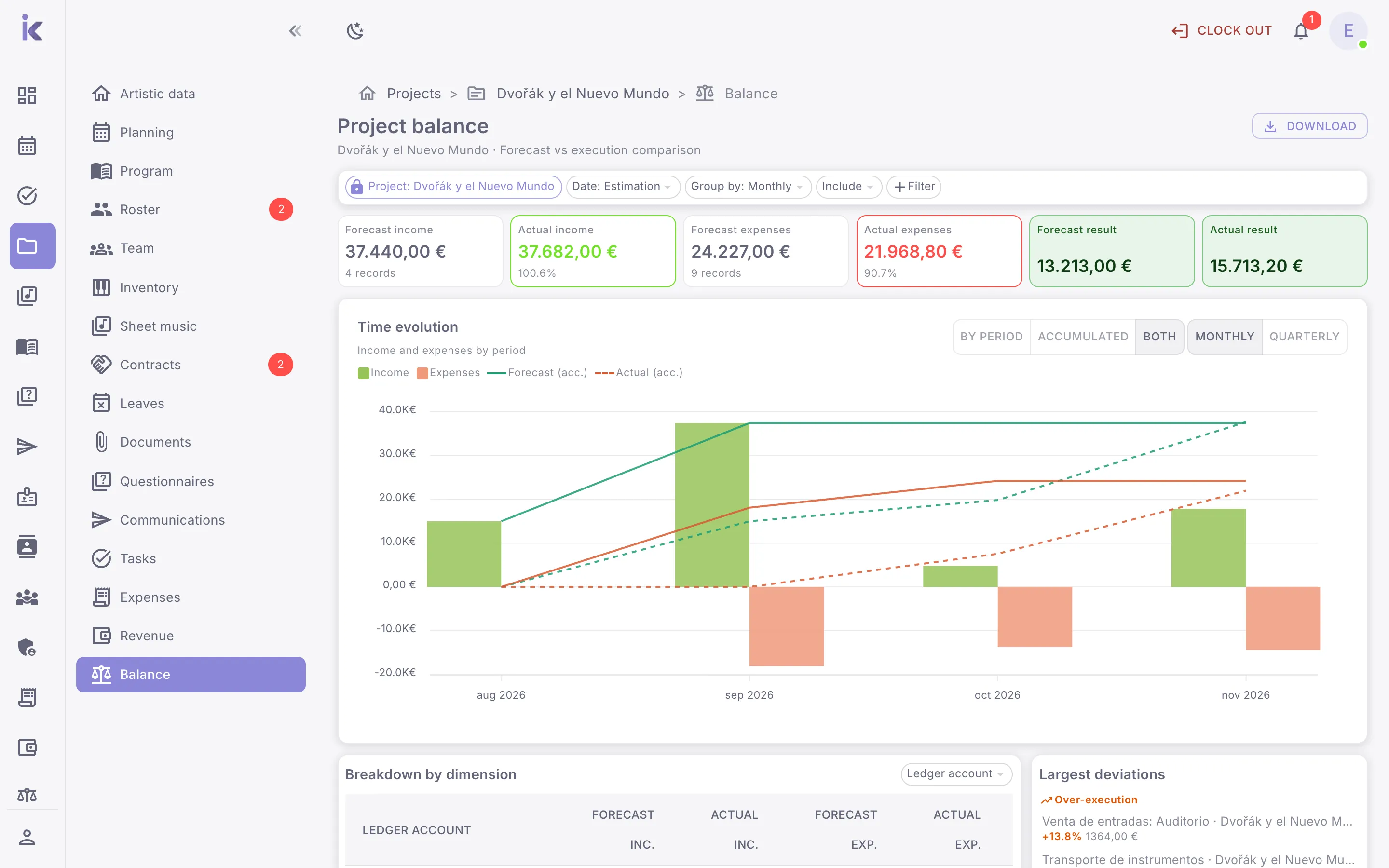
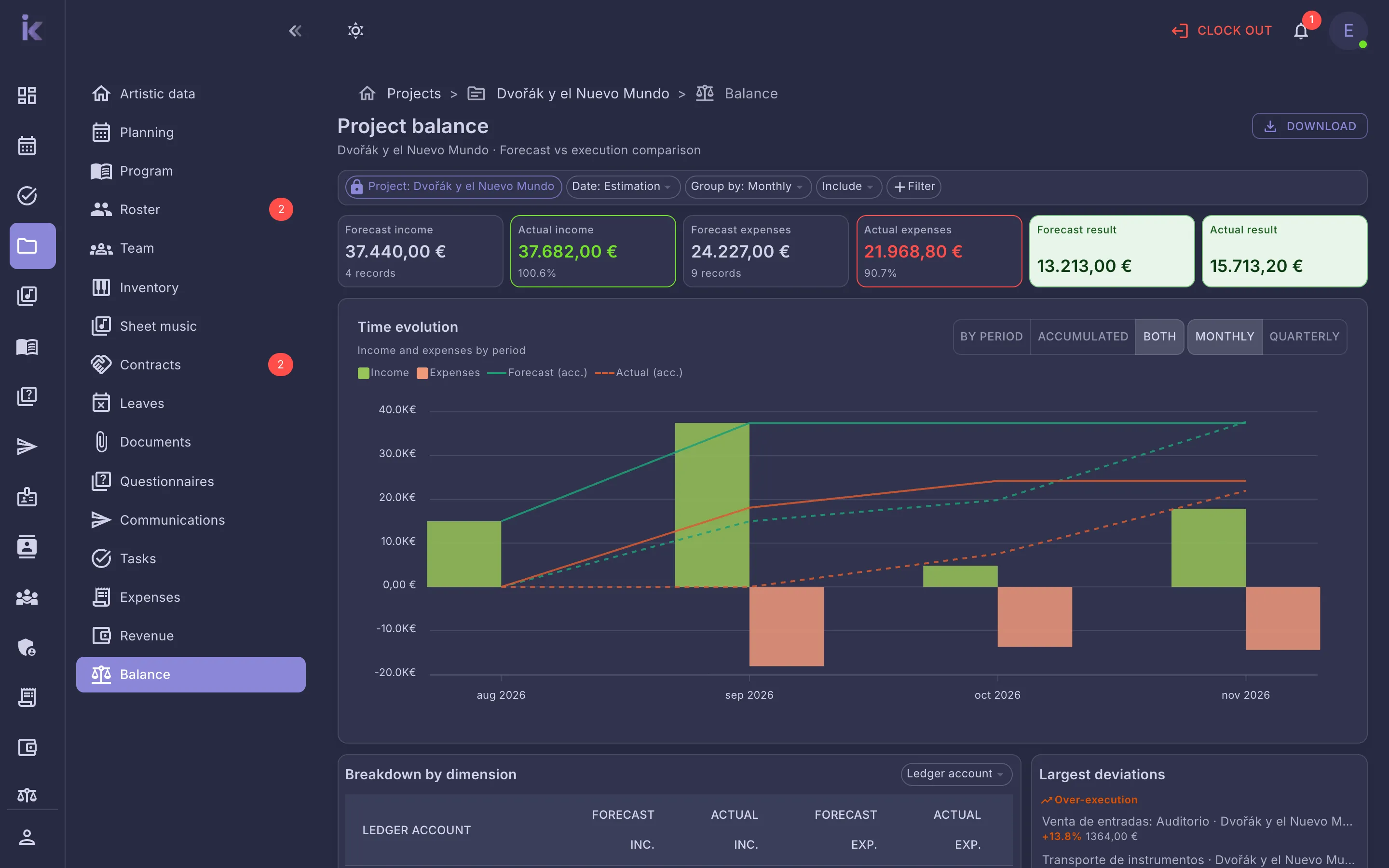
- Exportable financial balance
Everything it includes
35 finance features, on the web and in the apps.
- Fill in a transaction by dragging in the invoice
- Export a payment batch (Excel or SEPA XML)
See all 35 features →Hide
- Define rules to calculate expense and income dates
- View expenses or income
- See summary totals for the list
- Filter expenses or income
- Export expenses or income to Excel
- See a project’s expenses, income and balance
- Create or edit an expense or income item
- Allocate an expense or income item to a project, ledger account and analytical levels
- Add an estimate for an expense or income item
- Add or remove quotes for an expense or income item
- Record a transaction (invoice, salary or other)
- Split an invoice or quote into line items
- Change a transaction’s status and dates
- Set up date rules for transactions
- Set the payment or collection account for a transaction
- Record a corrective invoice or credit note
- Get alerted to a possible duplicate invoice
- Record a quick transaction
- Bulk-update the status, dates or posting of several transactions
- Delete an expense or income item
- Assign the reporter and the owner of an expense or income item
- Attach documents to an expense or income item
- Add notes to an expense or income item
- Ask a colleague to record, validate or pay a transaction
- View and export the financial balance
- View and search contacts (suppliers and clients)
- Create or edit a contact
- Delete or archive a contact
- Set up analytical levels
- Set up ledger accounts
- Set up expense headings
- Set up taxes and withholdings
- Set up your organisation’s bank accounts
Let us show you finance in Weikos
An online demo, with a project like yours. No commitment.