

Time tracking
Time tracking, designed for musicians.
Everyone clocks in and out from the app, with their card at the reader by the entrance or with Apple Wallet or Google Wallet on their phone. And you have records and hours up to date.
Three ways to clock in
With a button in the app; with the ID card at the reader by the entrance, a tablet linked to the organisation; or with the card saved in Apple Wallet or Google Wallet on the phone.
- With several contracts, each record goes to the right one
- Tags to total up hours by category
- Cards that can be generated, revoked and printed
Records and hours, up to date
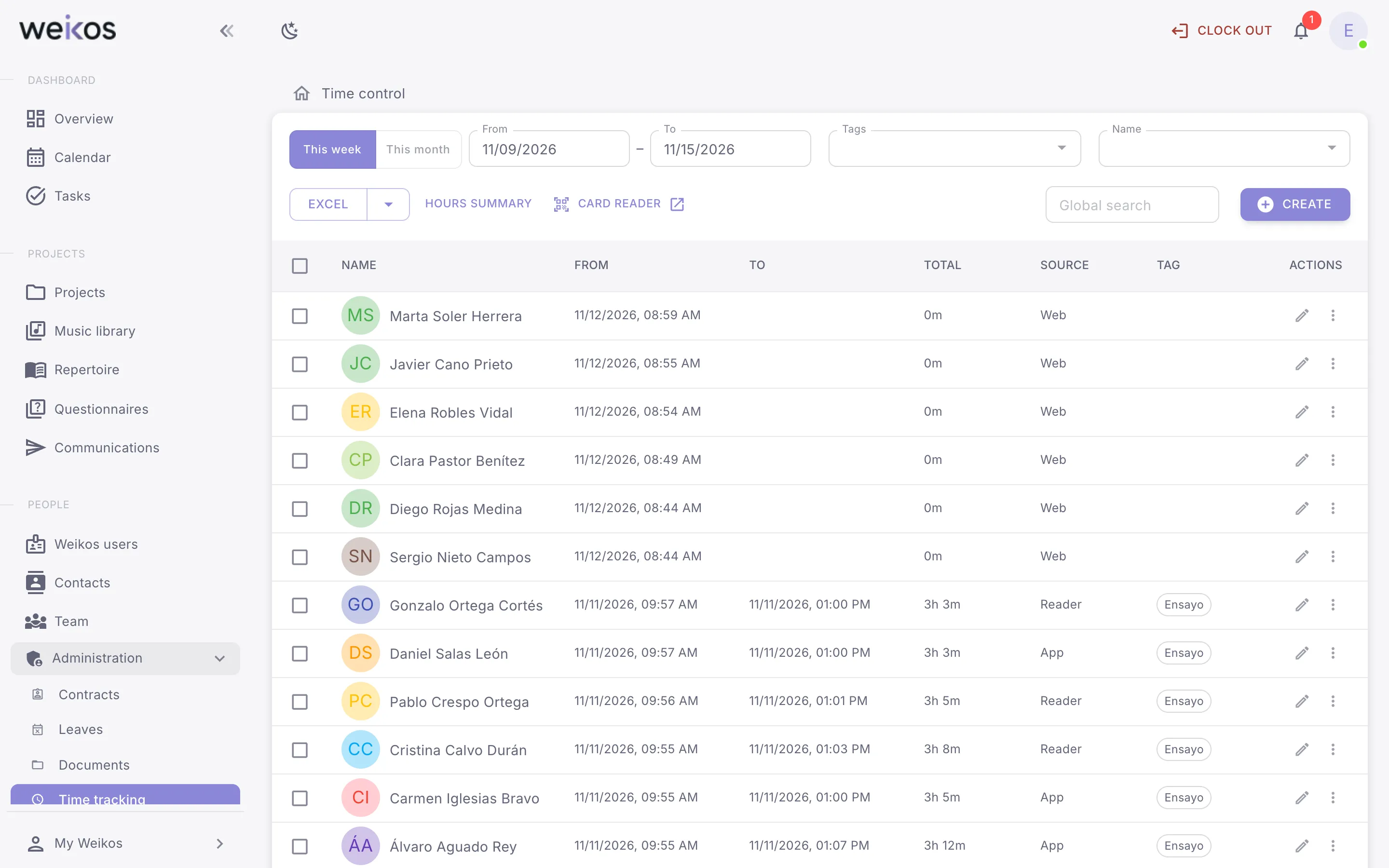
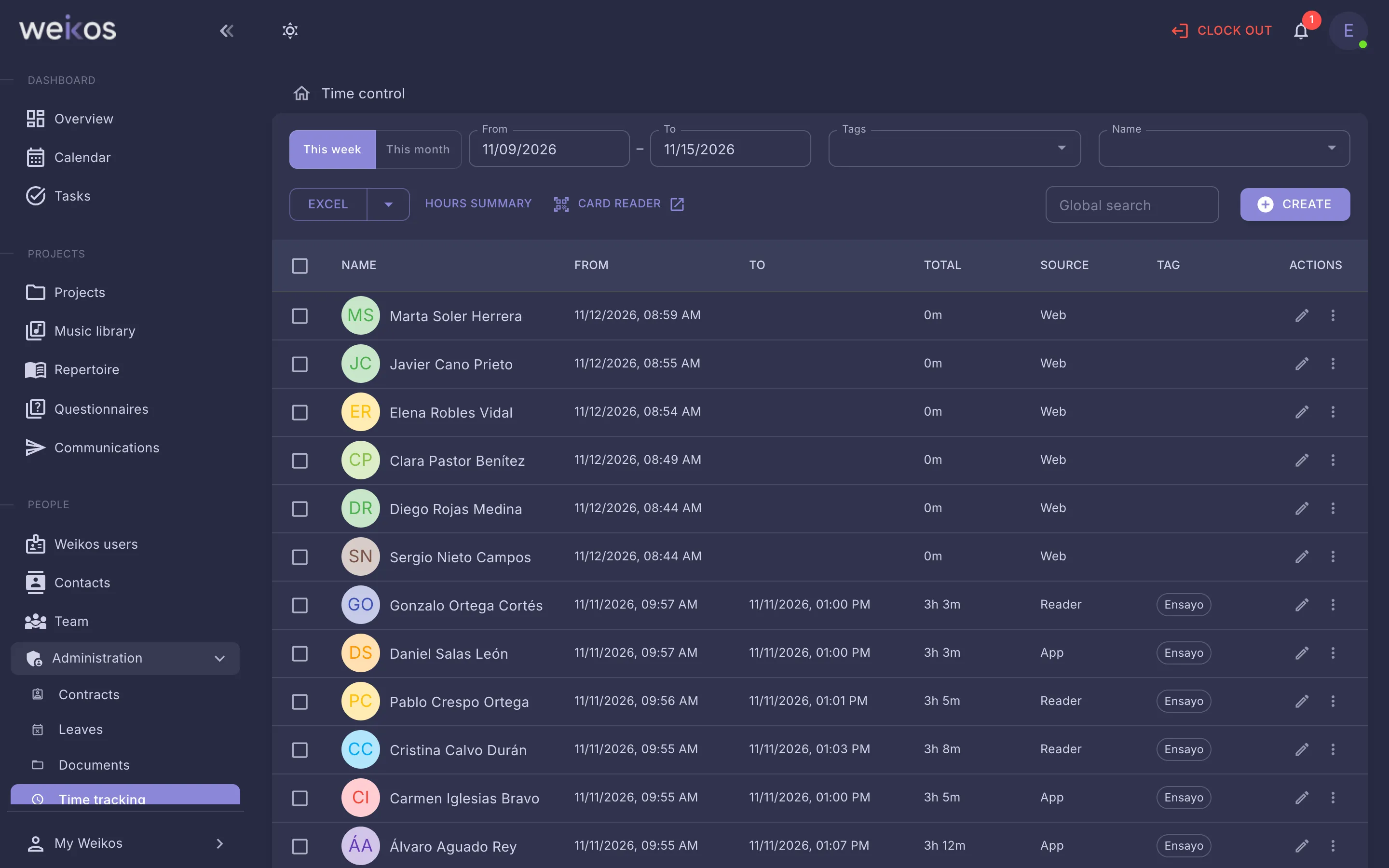
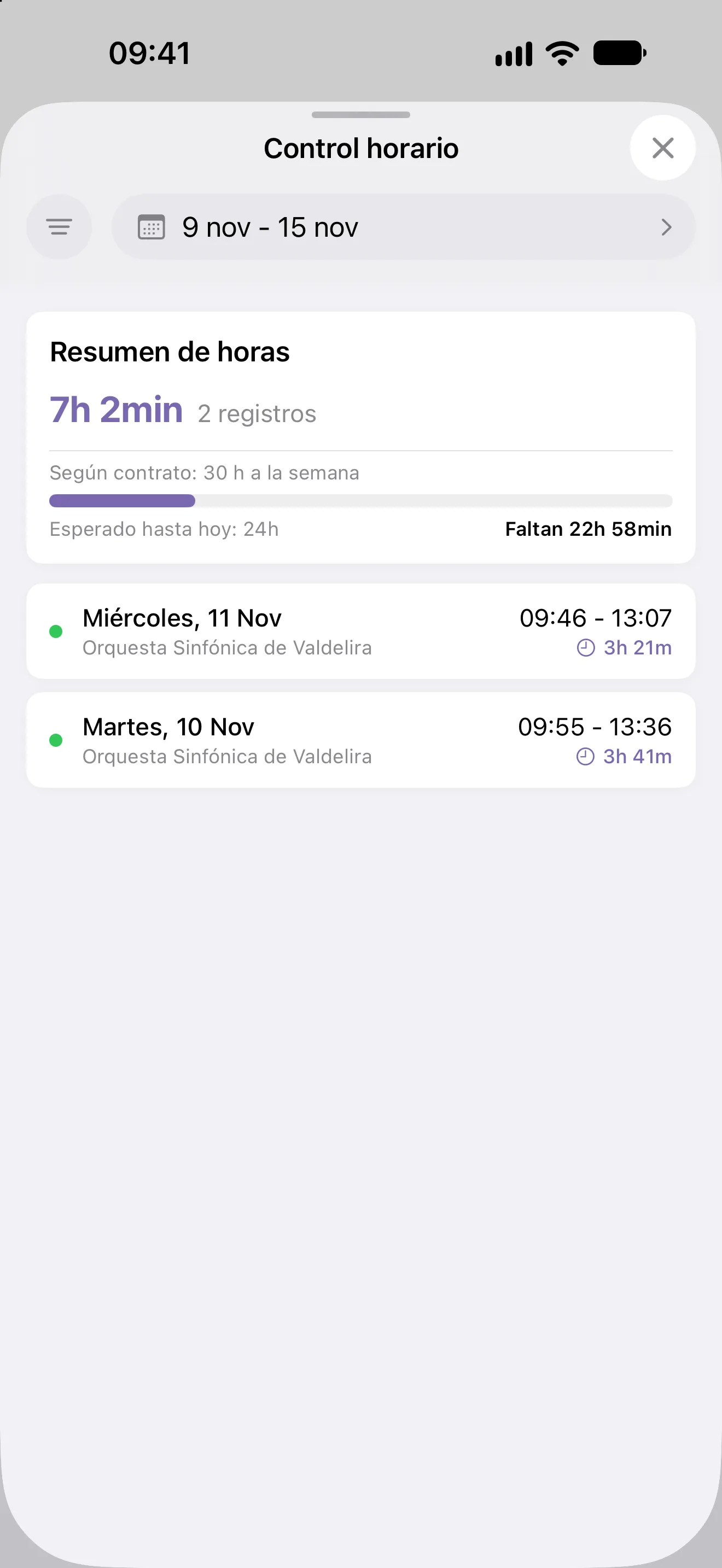
View the records for the whole organisation, correct or create one by hand, compare hours with what each contract says and export them when you’re asked for them.
- Hours summary against the contract
- Export of the records
- Team performance, person by person
Everything it includes
13 time tracking features, on the web and in the apps.
- Clock in and out
- Clock in and out with the card reader
See all 13 features →Hide
- Clock in and out when you have several contracts
- View your time records and hours worked
- View your organisation’s time records
- See an hours summary and compare it with the contract
- Add a time record manually for someone
- Edit a time record
- Delete a time record
- Tag time records
- Export time records
- Generate, revoke and print ID cards
- View and compare staff performance
Let us show you time tracking in Weikos
An online demo, tailored to your ensemble. No commitment.