

Sheet music and repertoire
Sheet music, straight to each musician.
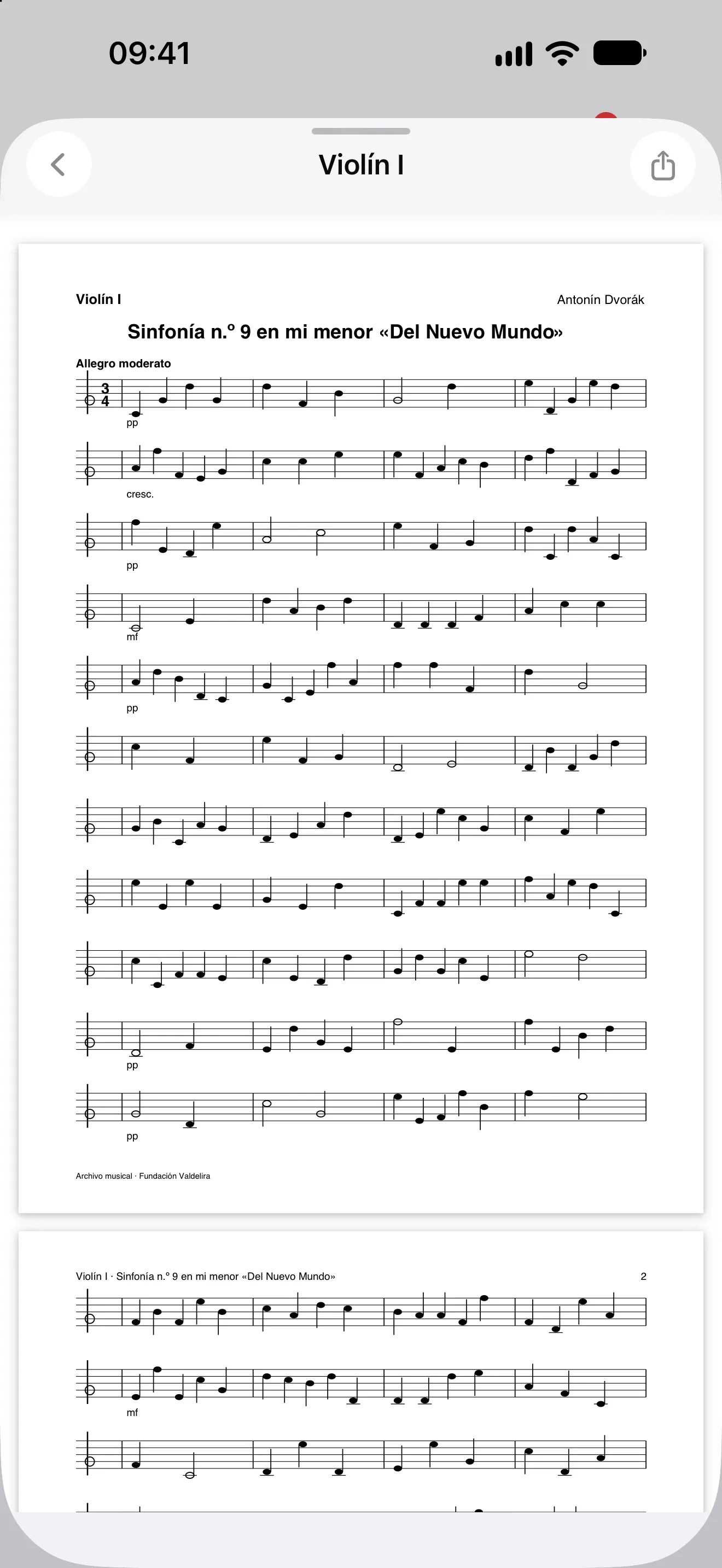
Upload the score, say which instrument each file is for and assign it to the project. Each musician sees only their own on their phone, and it’s withdrawn automatically at the end.
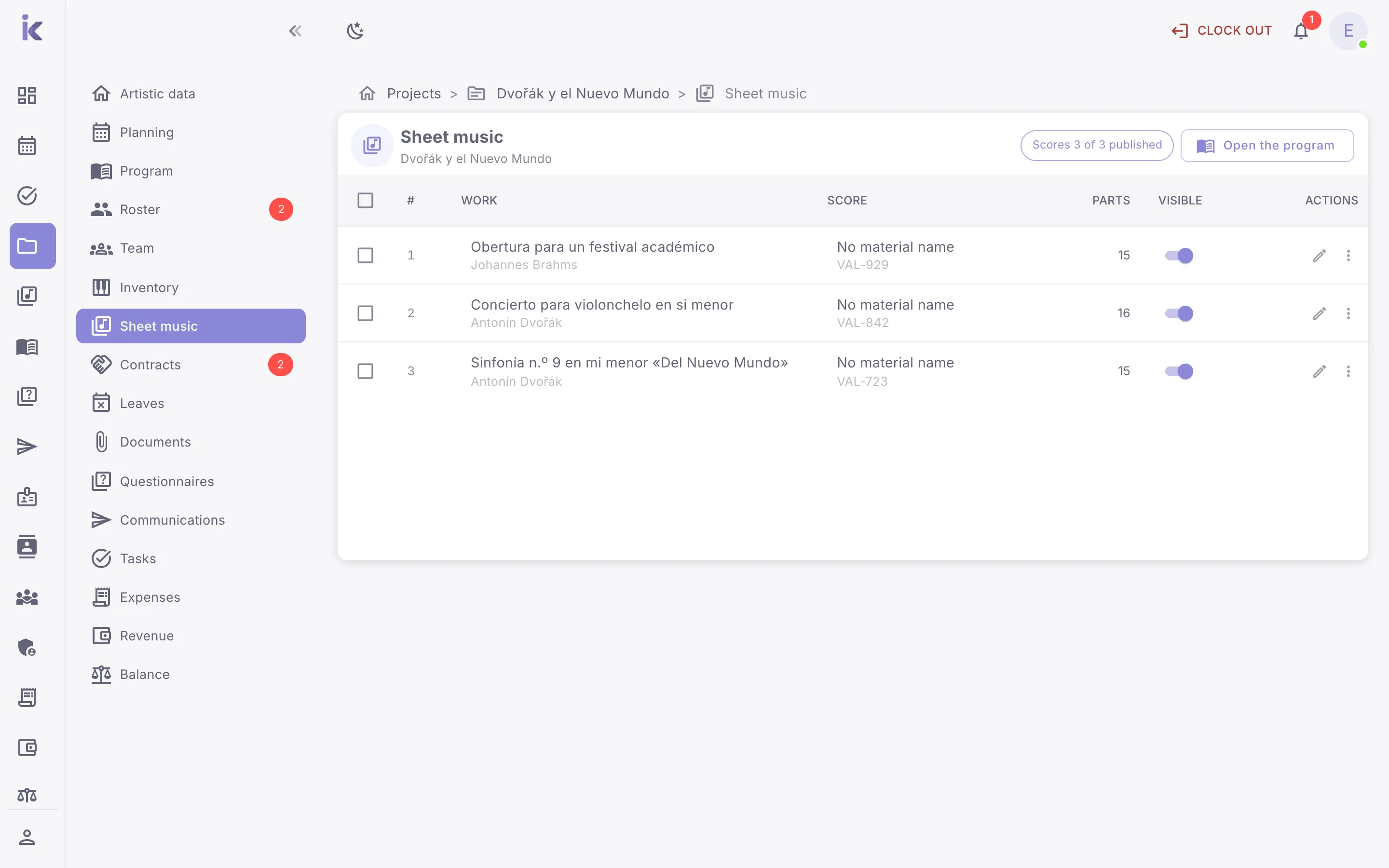
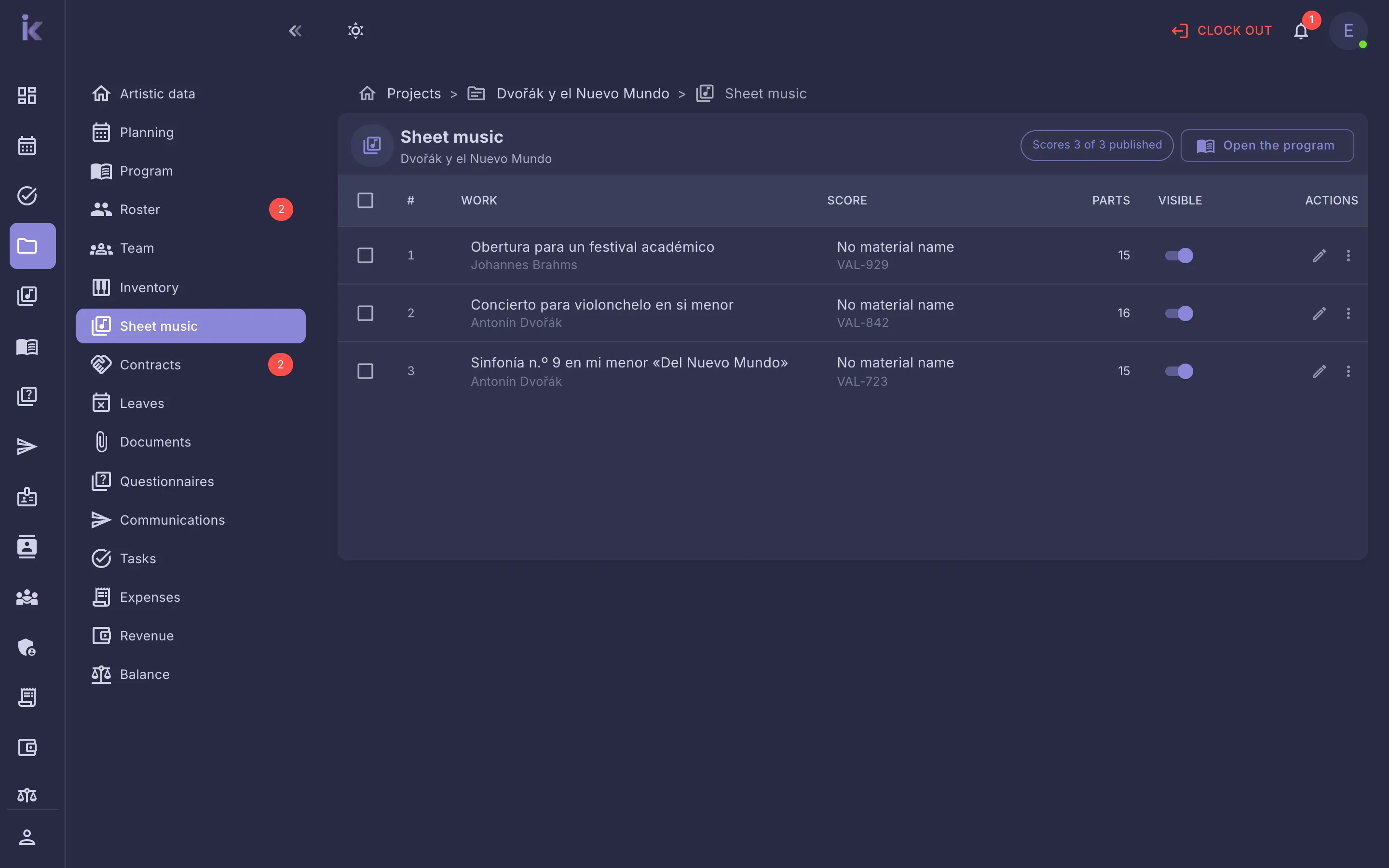
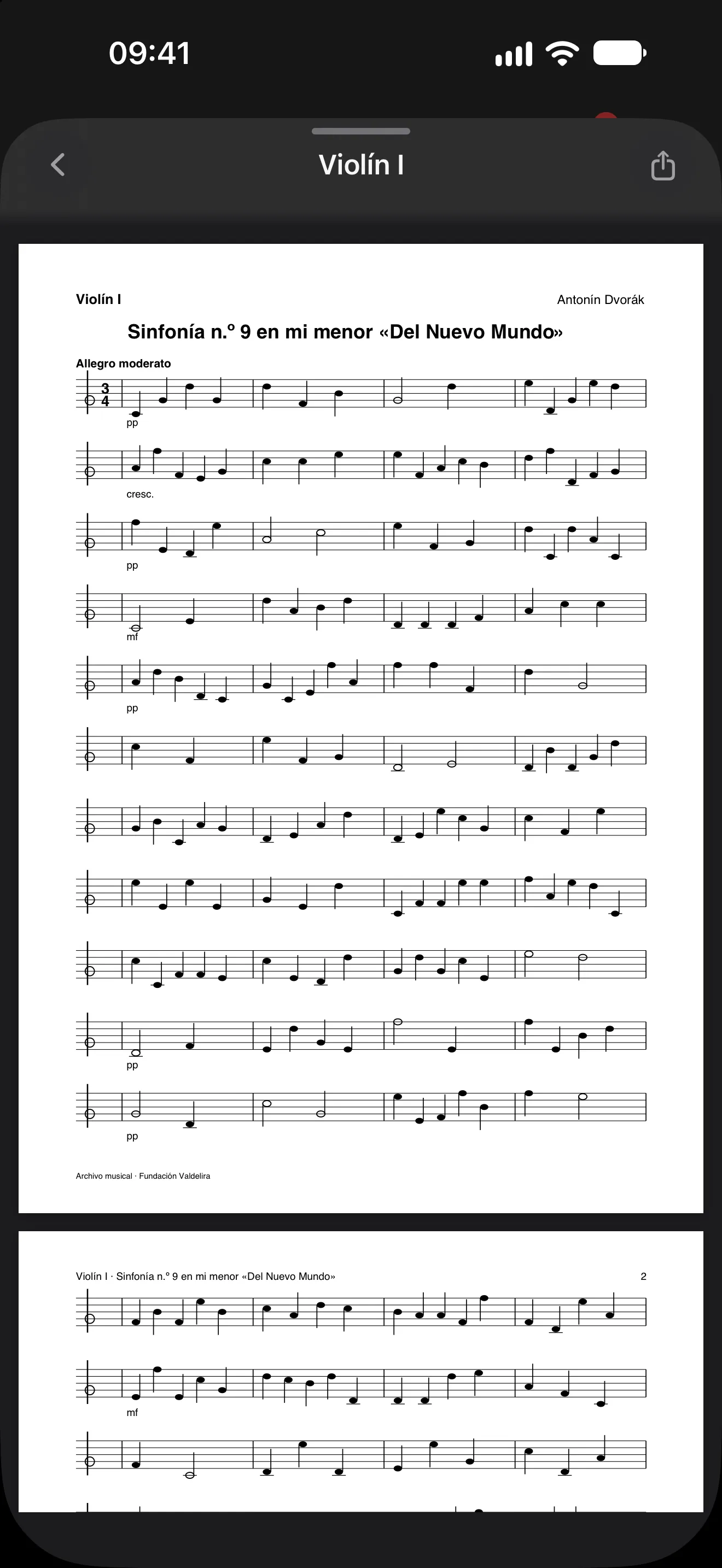
Each musician’s music, on their phone
Each musician receives only the music for their instrument in their projects, when you decide to make it visible. When the project ends, the sheet music is withdrawn automatically.
- Files per instrument or for everyone
- Visible when you decide, project by project
- Withdrawn when the project ends
Your music library and repertoire, up to date
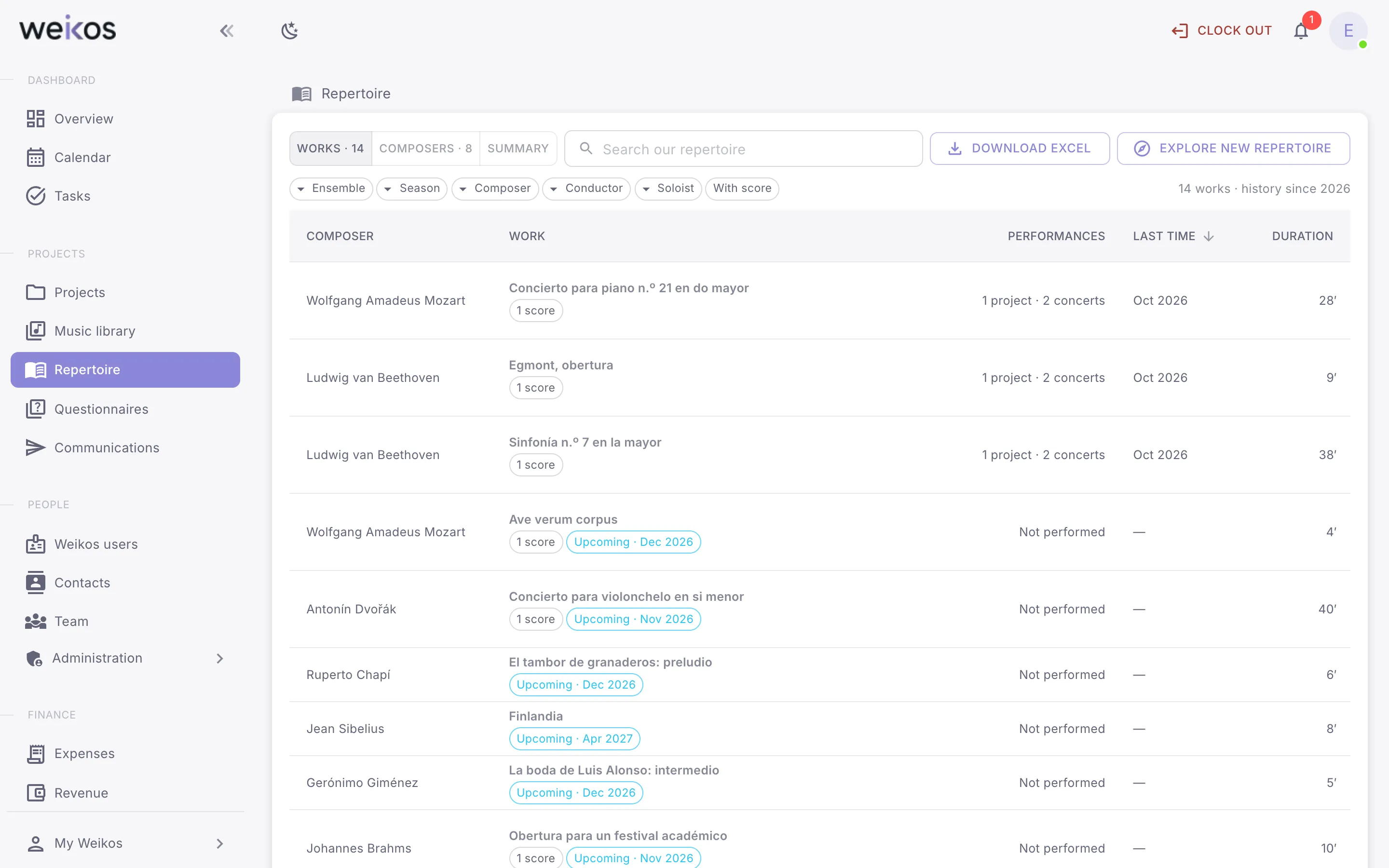
The library with catalogue number, location, sets and hires, and the repertoire with everything the organisation has performed and in which projects.
- See whether a work can be performed with your current roster
- Versions of each work: arrangements, reductions, editions
- Search in Daniels and the Weikos Community
Everything it includes
27 sheet music and repertoire features, on the web and in the apps.
- Specify which instrument each file is for
- Assign a score to a project and make it visible to musicians
- See only the sheet music for your instrument in your projects
- Browse your repertoire and discover other works
See all 27 features →Hide
- Browse the sheet music library
- Search, filter and sort scores
- Add a score
- View and edit a score’s details
- Delete a score
- Add a composer who isn’t on the list
- Tag a score
- Upload a score’s files
- Withdraw scores from musicians when the project ends
- View a project’s scores
- Open or download a score file
- See the composers in your repertoire, rename them and complete their dates
- Check whether a work can be performed with the current roster
- See which projects a work has been performed in
- View and create versions of a work
- Merge duplicate works in the repertoire
- Download the repertoire to Excel
- Share a score file via a link
- Download a complete score and its score sheet
- Catalogue number, location, sets and ownership of a score
- Log score hires and hire material from the programme
- Share works, versions and performances with the Weikos Community
- Manage your organisation’s inventory
Let us show you sheet music in Weikos
An online demo, with your music library and your next project. No commitment.