

Leave
Leave requests, without paperwork or emails.
Everyone requests leave from the app; the organisation approves or declines it, and it shows in the calendar and the roster.
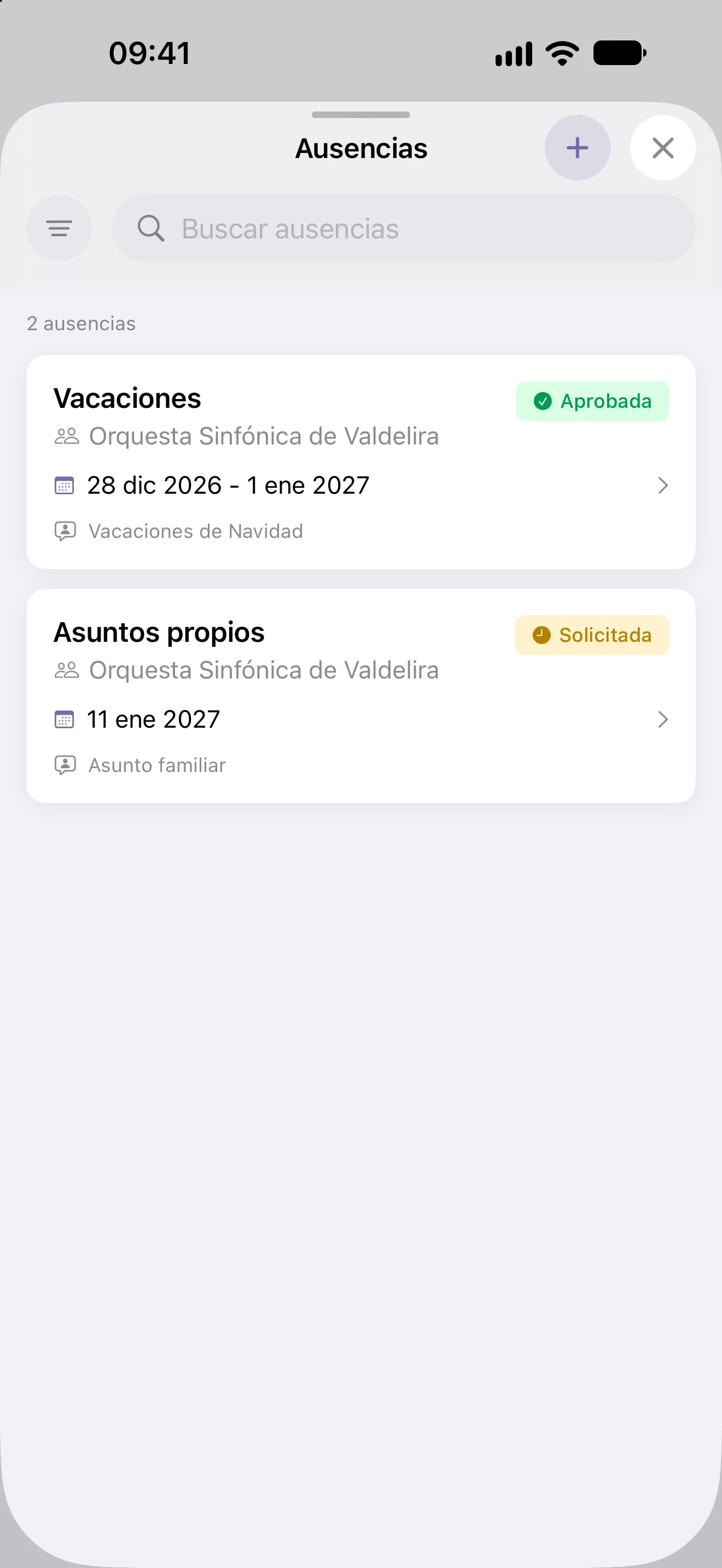
Requested from the phone
Type, dates, reason and a document. The person follows the status of their request, adds comments and can change or cancel it while it’s pending.
- Extend the end date of a leave period
- A notification at every status change
- Their leave in Excel whenever they need it
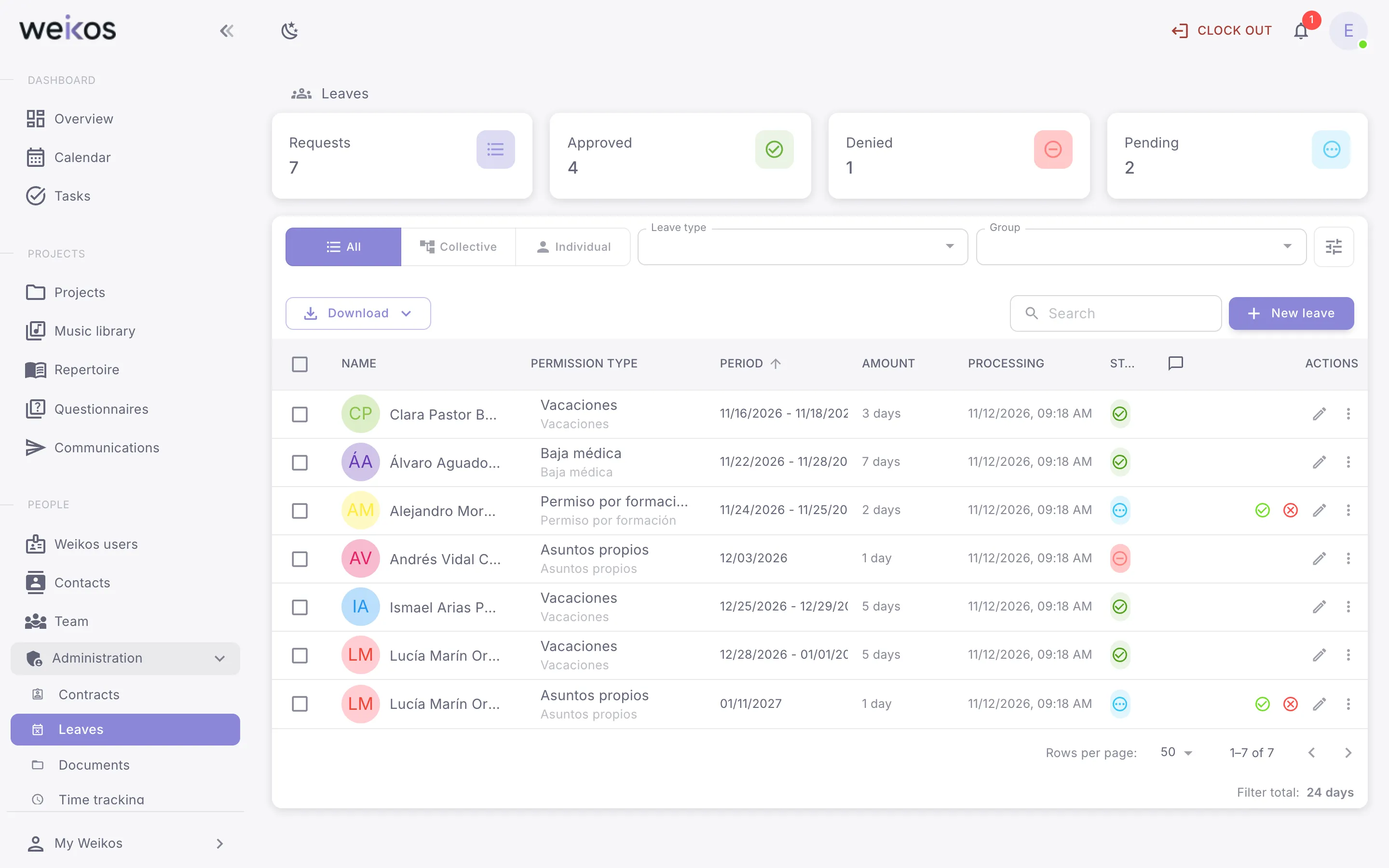
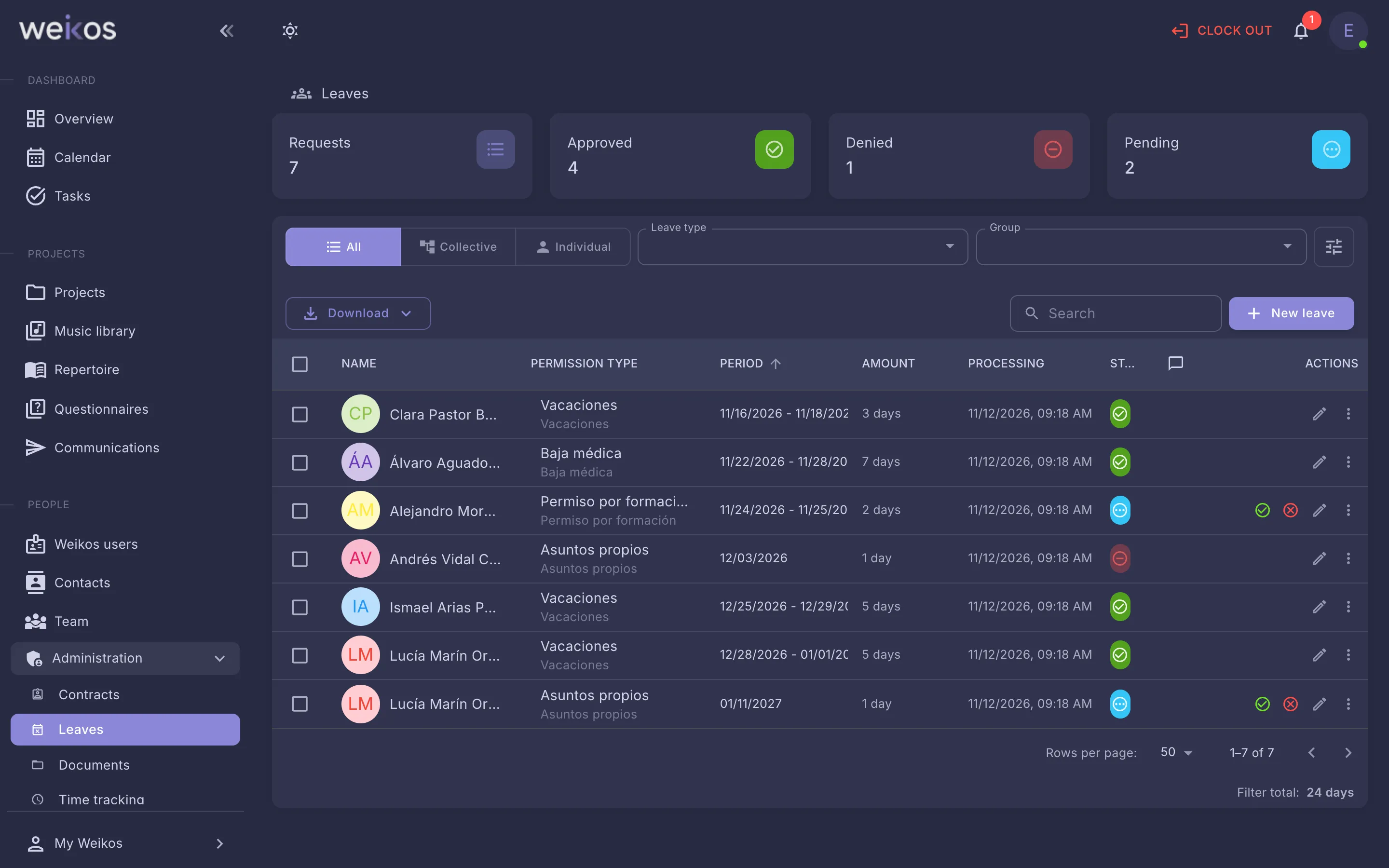
The organisation decides, with everything in view
Approve or decline, several at once too; record leave for someone else or for a whole team; and when preparing the roster, see who will be away.
- Leave types with their restrictions
- The organisation’s public holidays
- Excel export and documents in a ZIP
Everything it includes
19 leave features, on the web and in the apps.
- Request leave
- View and filter your leave
- Check leave details and status
- Comment on leave
- Edit a pending leave request
- Cancel a leave request
See all 19 features →Hide
- Extend the end date of leave
- Confirm the end date of leave
- Download your leave to Excel
- View all leave across your organisation
- See leave for the people in a project
- Approve or decline a leave request
- Update or delete several leave entries at once
- Record leave on someone else’s behalf
- Record group leave for a team
- Delete a leave entry
- Export leave and download its documents
- Set up public holidays
- Set up leave types and their restrictions
Let us show you leave management in Weikos
An online demo, tailored to your ensemble. No commitment.