

Projects and scheduling
From programme to stage, all in one place.
Every project with its programme, instrumentation, schedule and roster. You publish it once it’s decided, and every musician sees it on their phone.
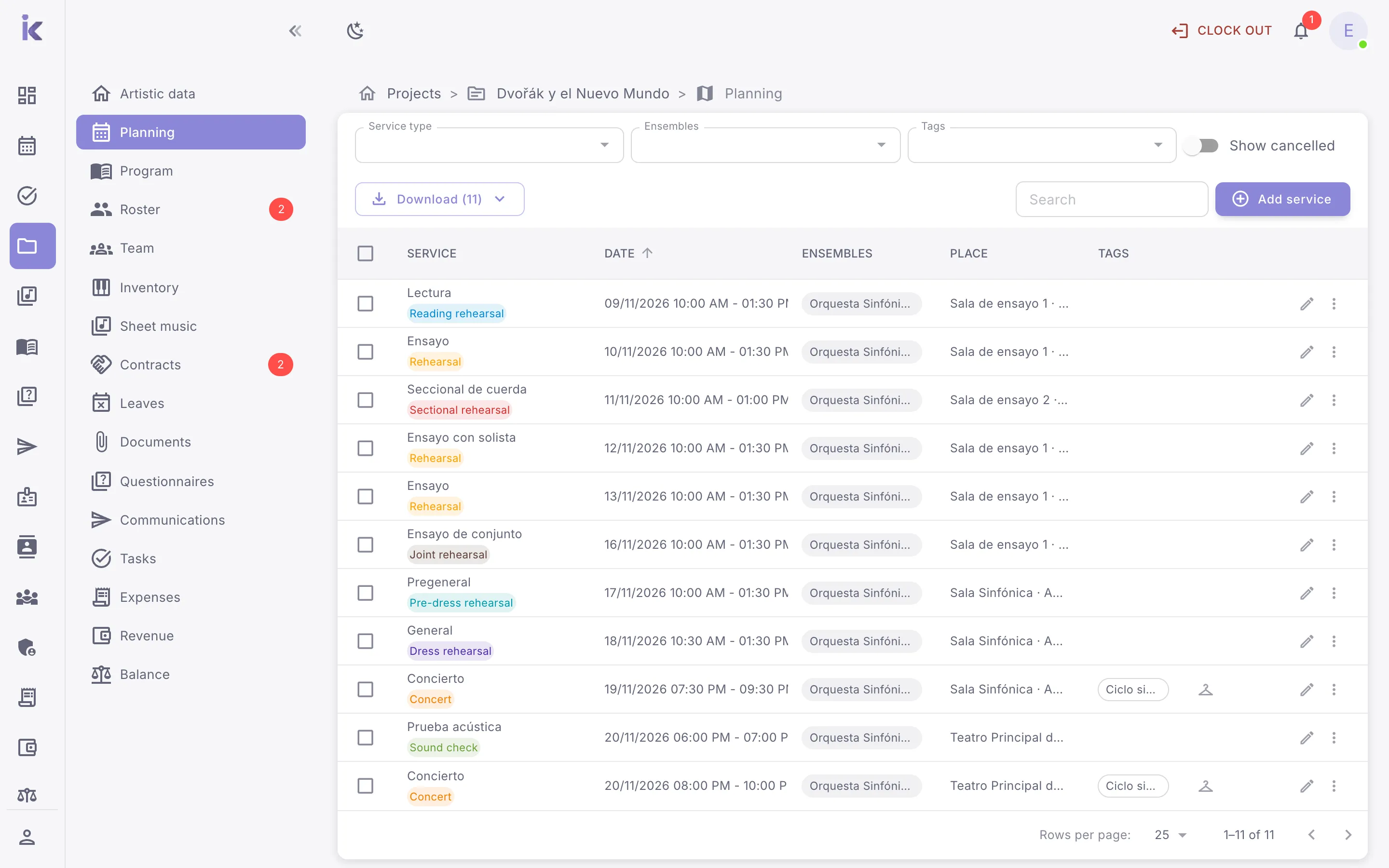
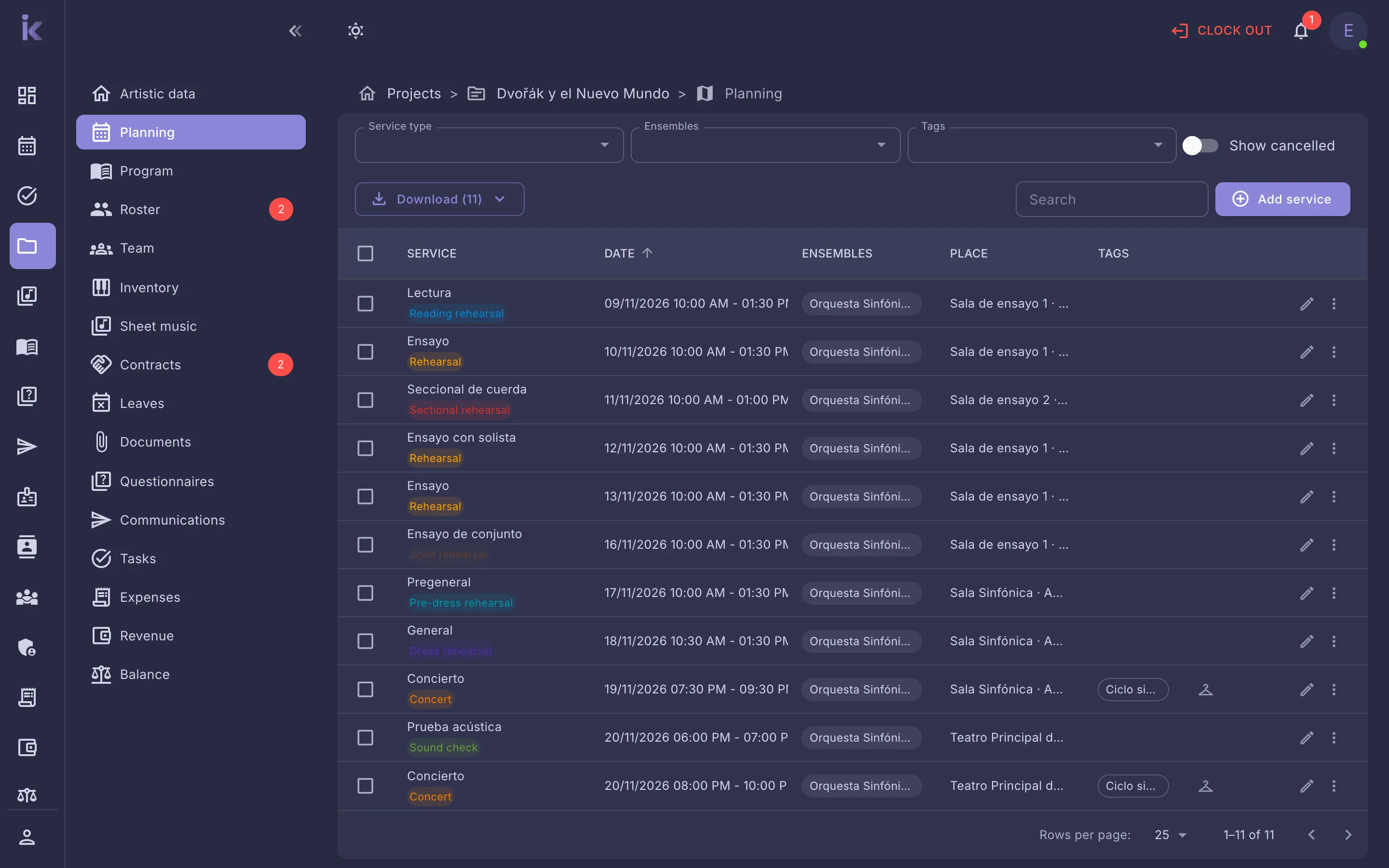
Programme and instrumentation, work by work
Add the works on the programme with their instrumentation, and Weikos builds the instrumentation for the whole project. With the conductor, soloists, ensembles and performances, the project is defined on a single page.
- Conductor, soloists, tutors and ensembles
- Performances with date, time and venue
- Project instrumentation built from its works
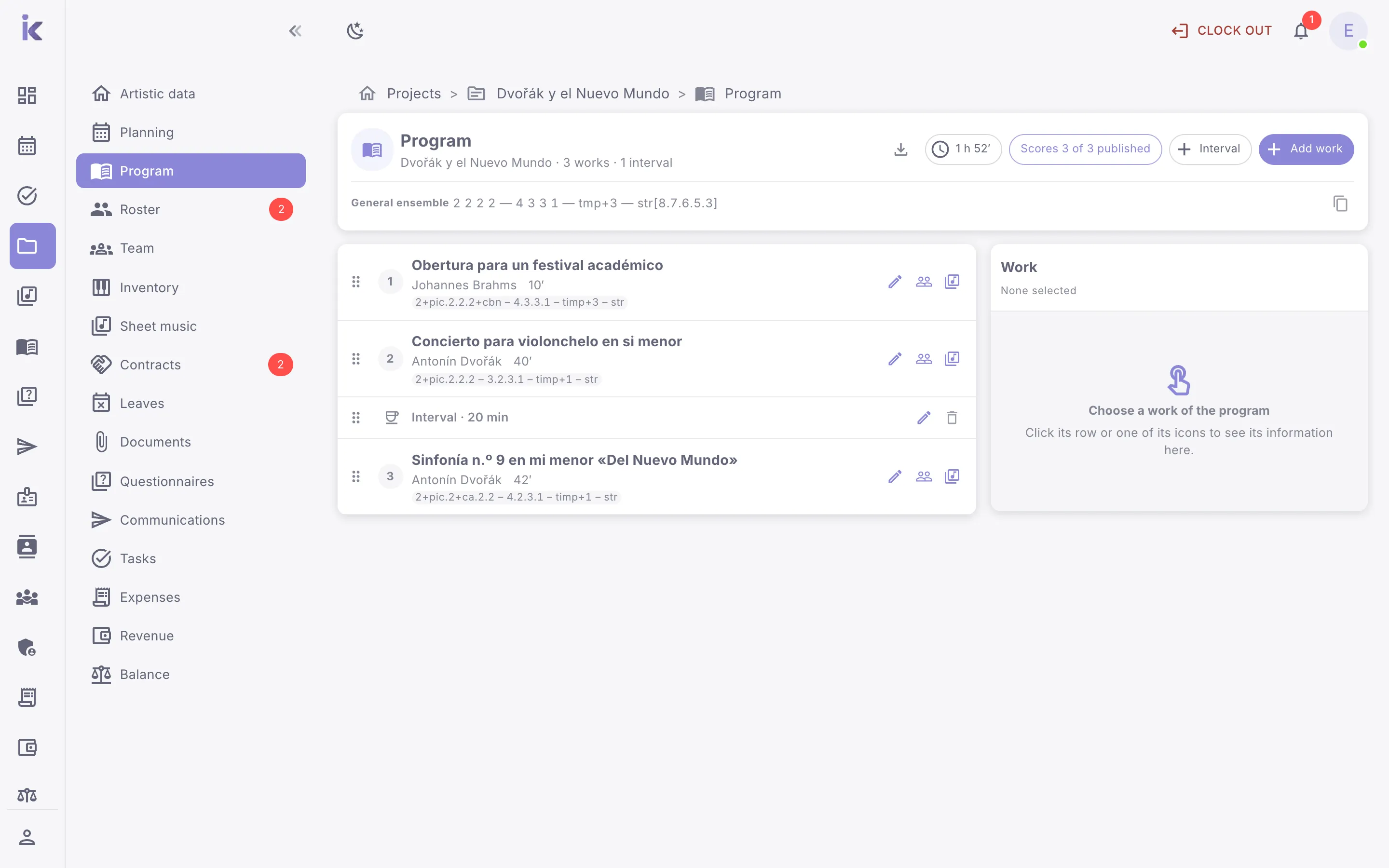
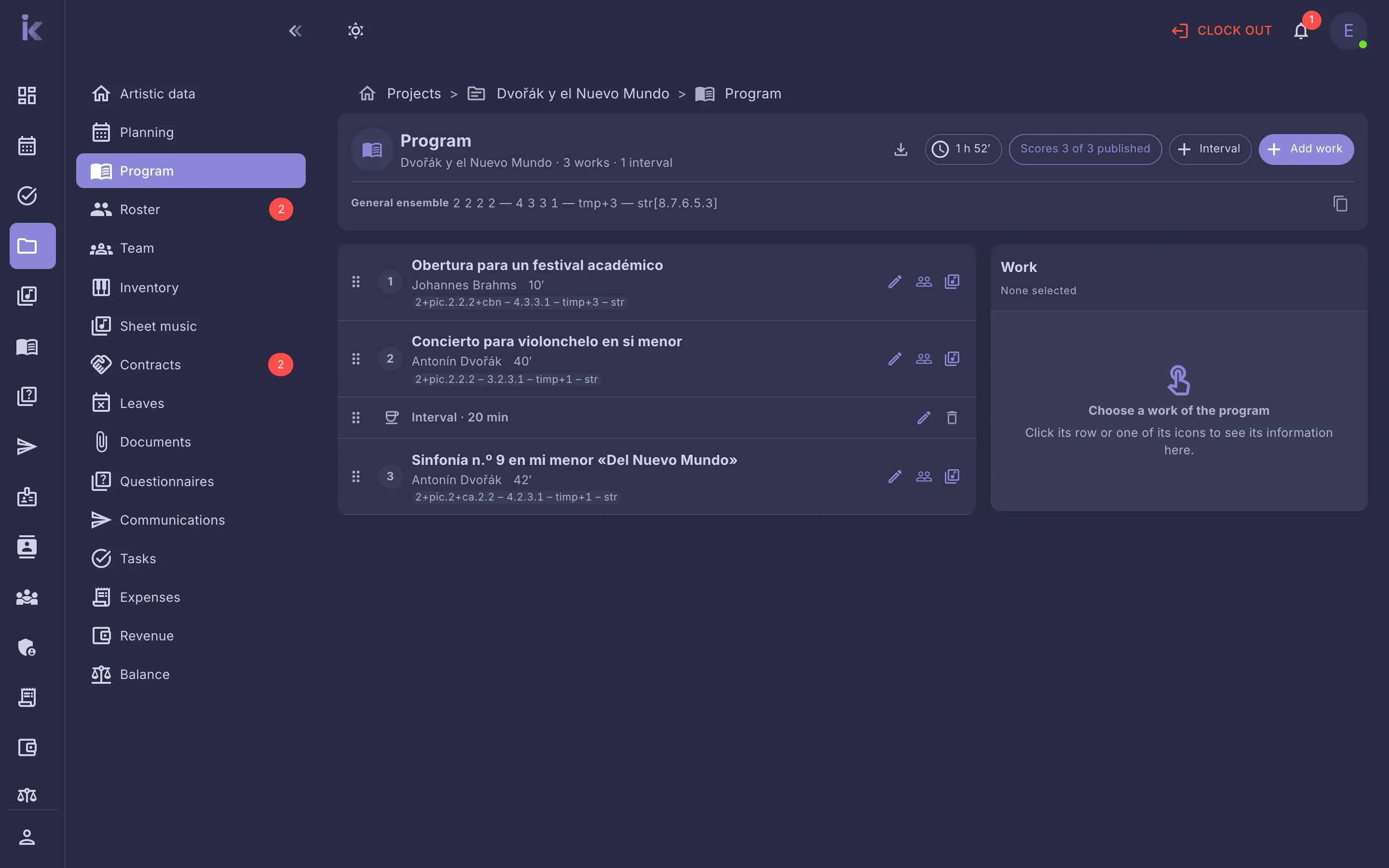
The schedule, service by service
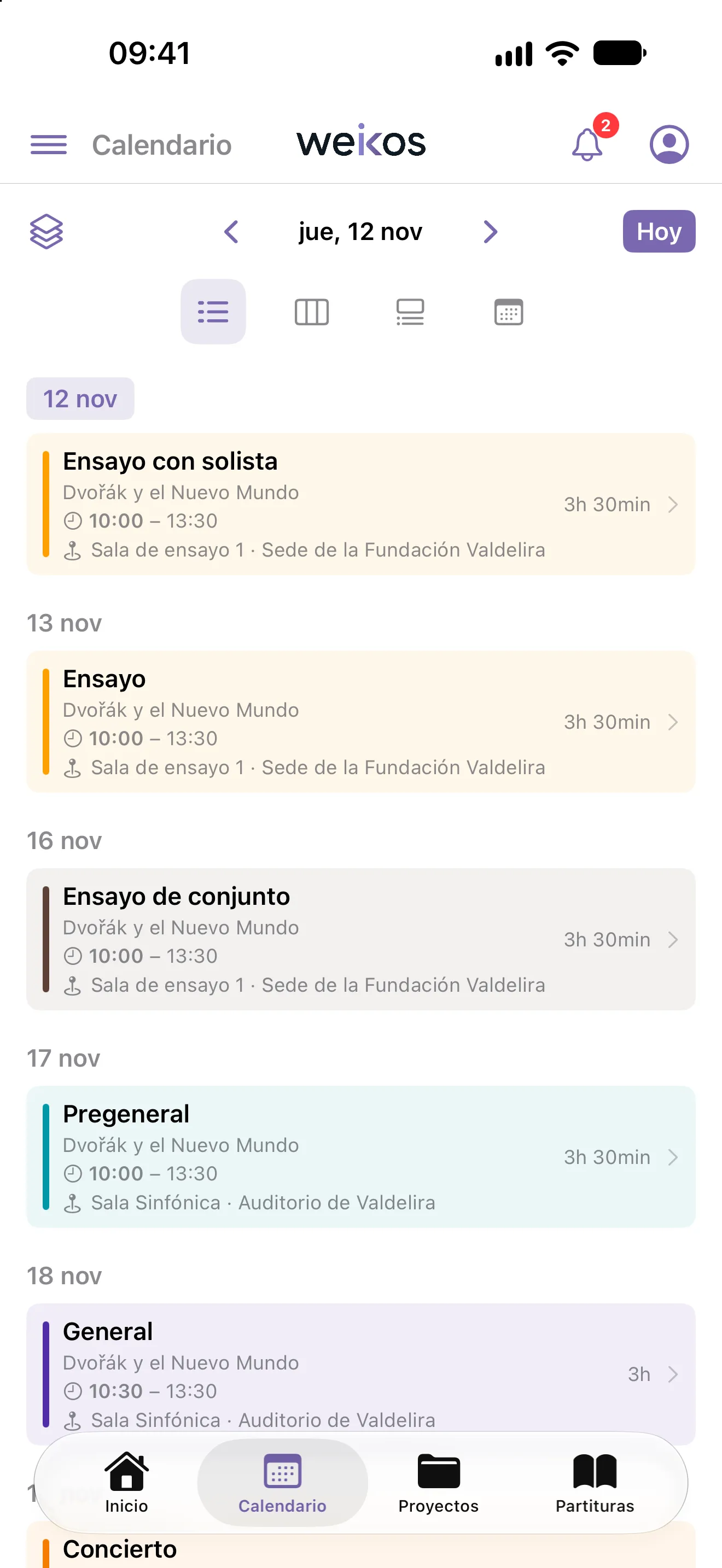
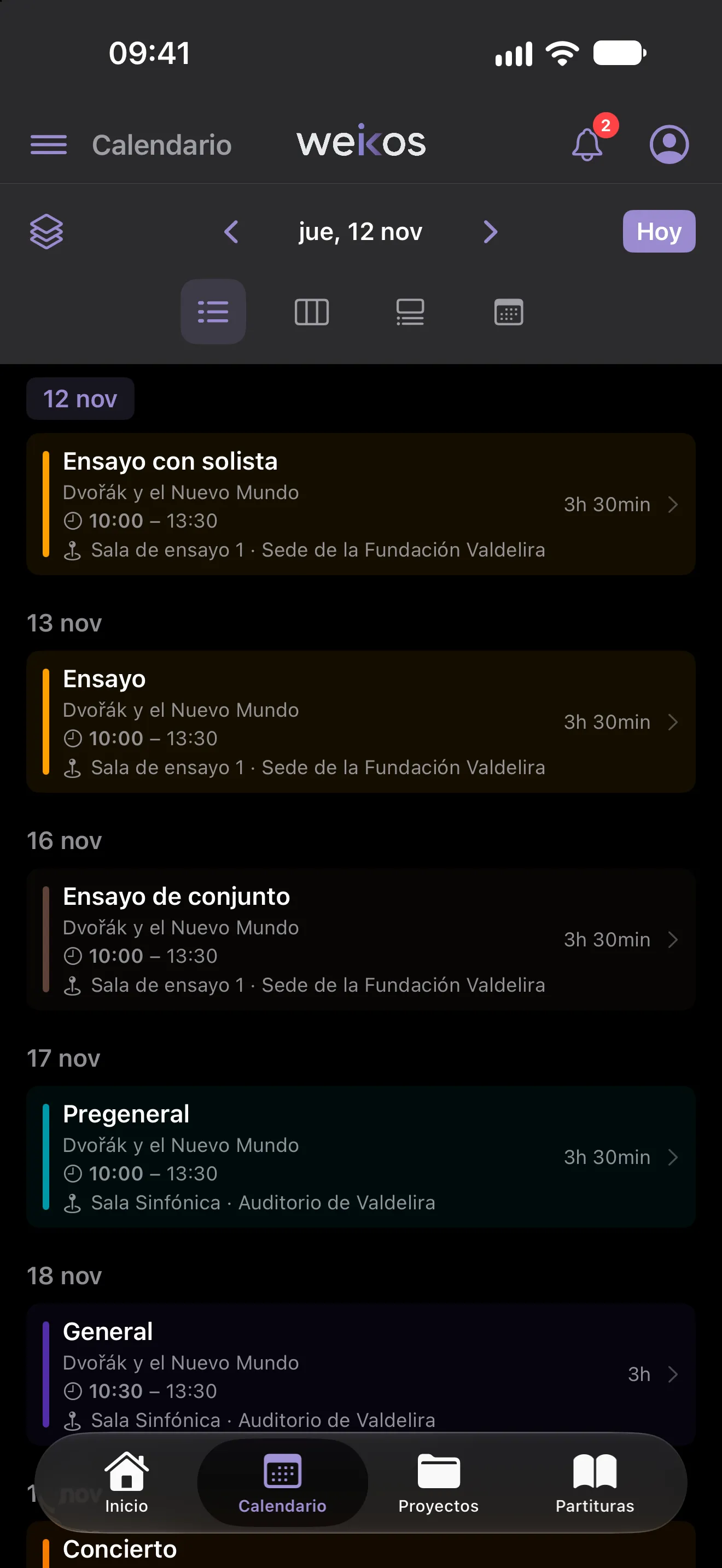
Rehearsals, performances and travel with venue, times and dress code, organised into work blocks. When you change something, everyone affected is notified and sees it in their calendar.
- Work blocks within each service
- Cancel, move or duplicate services, several at once too
- Every musician has their services in their calendar
Roster and allocation, published when they’re ready
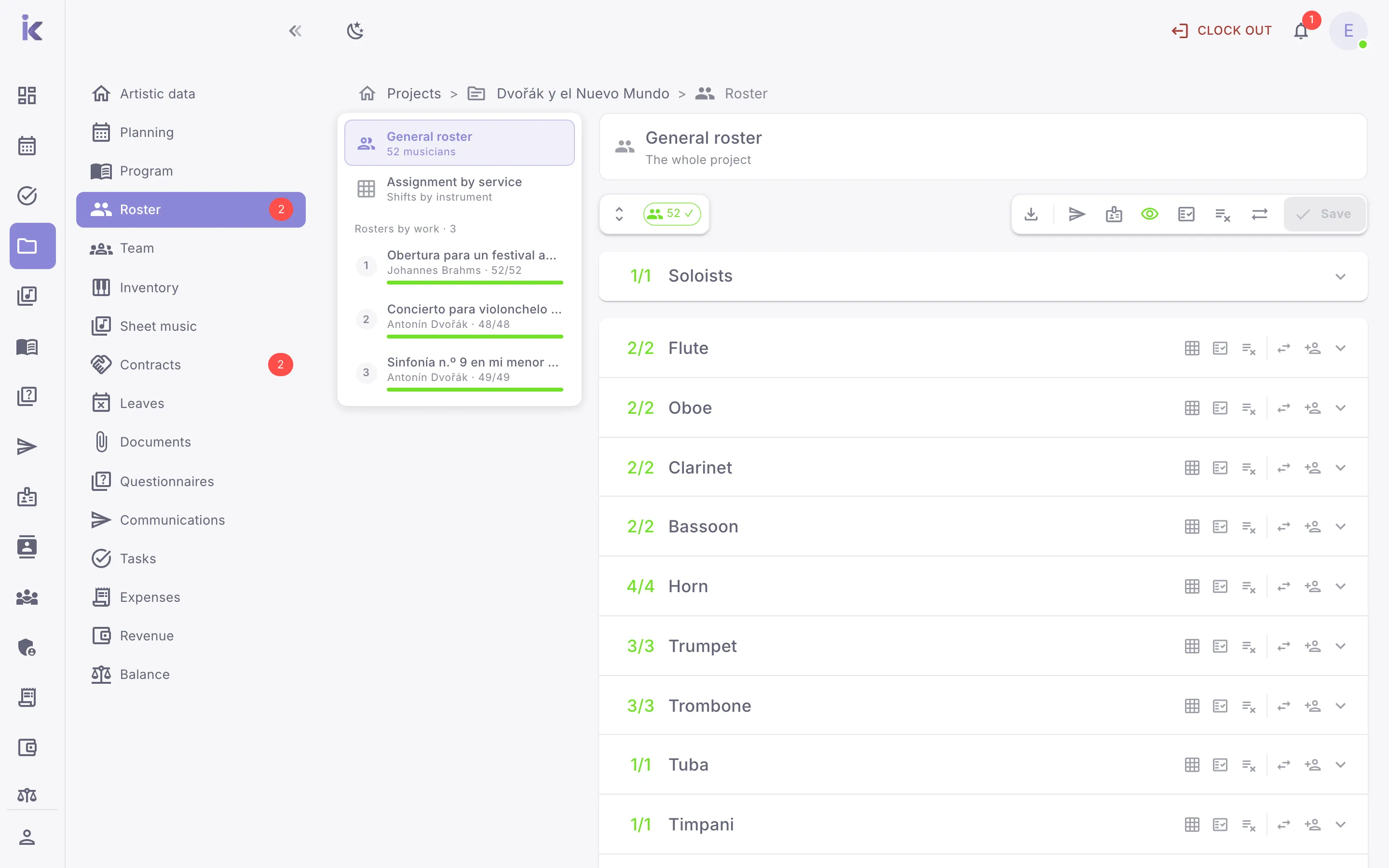
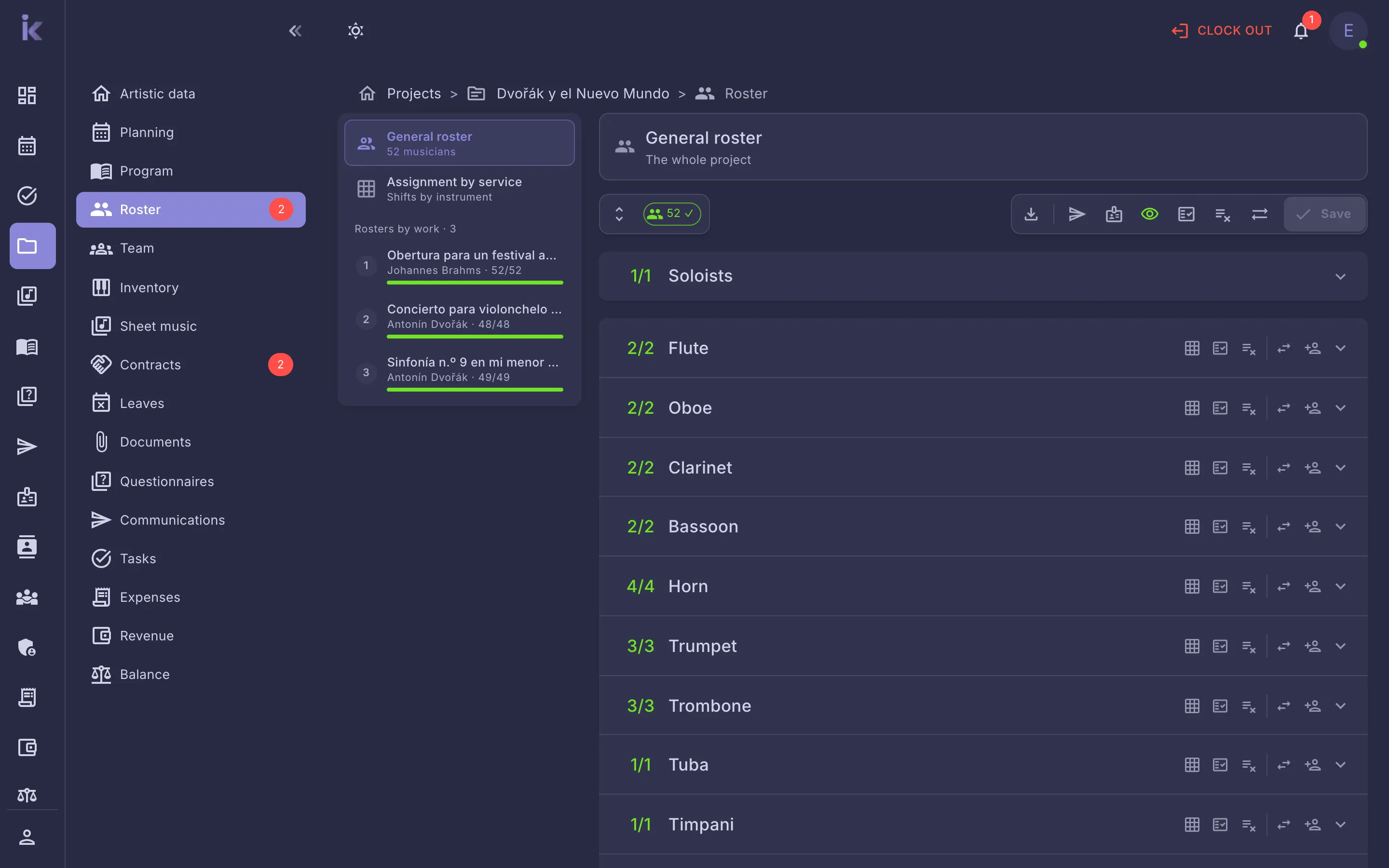
Assign the project’s musicians, carry the roster over to each work and each service, and publish it once it’s decided: until then, nobody sees who has been called.
- Your favourites, suggested as you fill the roster
- Allocation per service, instrument by instrument
- Roster in Word and participants in Excel
Everything it includes
69 projects and scheduling features, on the web and in the apps.
- View a project’s schedule
- Publish the roster to musicians
- Add favourite musicians to the roster
- Allocate musicians to each service
See all 69 features →Hide
- View the calendar and switch views
- Choose which calendars to show
- View service details
- Open a service’s venue in maps
- See when your own venues are in use
- Create a service from the calendar
- Move, edit, duplicate, cancel or delete a service from the calendar
- Share a link to a service
- See leave on the calendar
- View and complete tasks from the calendar
- Print or export the calendar
- Sync services with your calendar
- Choose which calendars to sync
- Set up service types
- Manage seasons
- Manage venues
- View the project list
- Filter projects
- View a project’s details
- Create a project
- Discard a new project without saving it
- Edit a project’s general information
- Change a project’s status
- Delete a project
- Add a conductor, soloists and tutors to a project
- Assign ensembles to a project
- Add the project’s performances
- Add works to a project’s programme
- Define or edit a work’s instrumentation
- View the project’s instrumentation
- Add a service to the schedule
- Cancel, duplicate, move or delete services
- Organise a service into work blocks
- View a project’s roster
- Assign musicians to the project roster
- Copy the main roster to works and services
- Allocate equipment to a project and to each work
- Change a musician’s category for just one project, work or block
- View someone’s contract, performance and details, and change their category, from the roster
- Choose whether contracts created from the roster start as assigned
- See leave alerts in the roster
- Download the roster in Word or the participant list in Excel
- Choose a project’s technical staff
- Allocate technical staff to each service
- Publish the technical staff to musicians
- Export a project’s data to Word
- View a project’s documents
- Upload documents to a project
- View and filter the task list
- Organise tasks on a Kanban board
- Create a task
- View and edit a task
- Duplicate a task
- Assign a task to a team member
- Change a task’s status
- Mark a task as complete
- See your pending tasks on the calendar
- Comment on a task
- Make a task private
- Tag tasks and filter by tag
- Attach documents to a task
- Change or delete several tasks at once
- Delete a task
- Export the task list
- View and create a project’s tasks
Let us show you Weikos with your next project
An online demo, tailored to your ensemble. No commitment.